Introduction
High-performance teams are the backbone of modern organizations. Therefore, they thrive on speed, clarity, and collaboration, yet many still rely on outdated tools that slow them down. Traditional task lists or fragmented project management systems often create confusion, duplicate effort, and communication gaps. As a result, to overcome these challenges, businesses are increasingly turning to Smart Taskboards for High-Performance Teams.
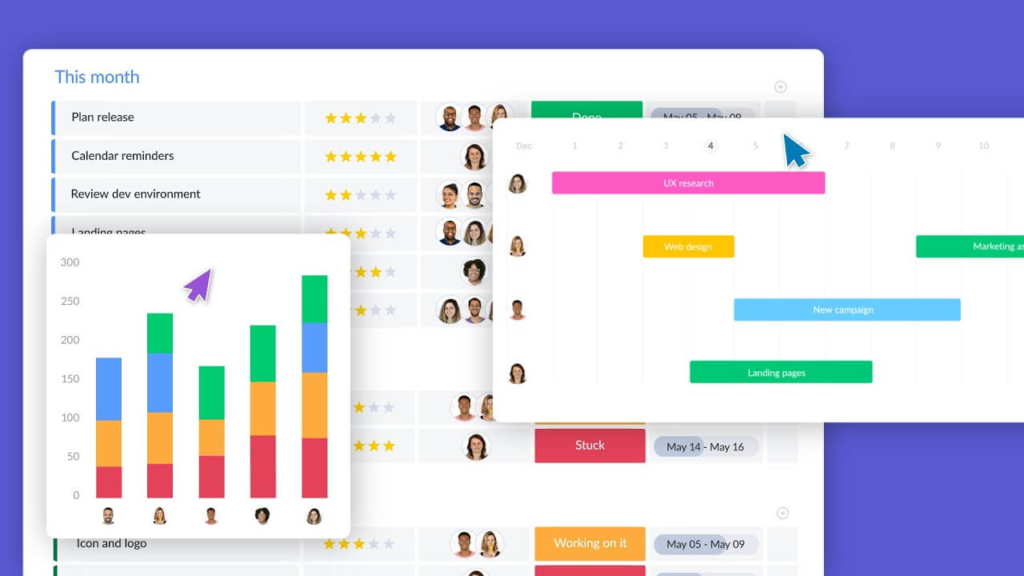
Smart Taskboards are more than digital task lists. Instead, they are intelligent, visual platforms that centralize workflows, automate repetitive processes, and provide real-time insights. Consequently, they empower teams to operate at peak performance and drive sustainable growth.
Why Smart Taskboards Matter
Smart Taskboards are essential because they solve the most common pain points of team management. First, they provide clarity. Instead of juggling multiple spreadsheets or disconnected apps, teams can see everything in one place. Additionally, this visibility reduces confusion and ensures that everyone knows what needs to be done.
Second, they foster accountability. Each task is assigned to a specific person with a clear deadline, making responsibilities transparent. Therefore, deadlines are met more consistently, and projects move forward without unnecessary delays.
Third, Smart Taskboards enhance efficiency. By automating routine actions such as reminders or task assignments, they free up valuable time. Furthermore, teams can then focus on strategic initiatives rather than administrative work.
Finally, they encourage collaboration. With built-in communication features, team members can comment, share files, and update statuses in real time. In addition, this reduces reliance on endless email threads and ensures alignment across the team.
Core Features and Benefits of Smart Taskboards for High-Performance Teams
Smart Taskboards combine powerful features with tangible benefits that directly impact performance.
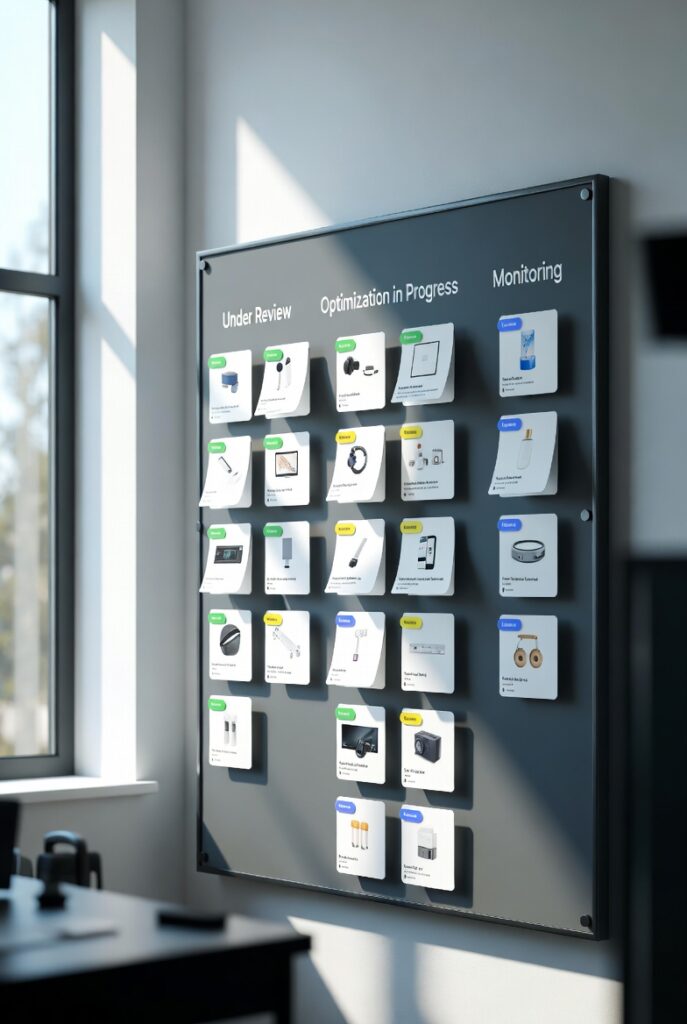
- Visual Workflow Management: Tasks are represented as cards that move across stages like “To Do,” “In Progress,” and “Completed.” Therefore, this simple visualization makes complex projects easier to manage.
- Real-Time Collaboration: Team members can interact directly on tasks, attach files, and provide updates instantly. Consequently, this keeps communication centralized and accessible.
- Automation: Repetitive processes such as assigning deadlines or sending reminders can be automated. As a result, teams save time and reduce human error.
- Analytics and Insights: Managers gain access to performance metrics, workload distribution, and progress tracking. Moreover, decisions are made based on data rather than assumptions.
Because of these features, Smart Taskboards deliver measurable improvements in productivity, communication, and accountability. In turn, teams work faster, smarter, and with greater alignment.
Transforming Team Dynamics
The adoption of Smart Taskboards reshapes how teams operate.
- From Chaos to Clarity: Previously, teams struggled with fragmented tools and unclear responsibilities. Smart Taskboards centralize everything in one platform, eliminating confusion. Therefore, teams gain structure and confidence.
- From Manual to Automated: Automation reduces repetitive work, allowing teams to focus on innovation and strategy. Meanwhile, bottlenecks become easier to remove.
- From Reactive to Proactive: Real-time insights enable managers to anticipate challenges, allocate resources effectively, and plan ahead. In contrast, traditional systems often force teams to respond only after issues appear.
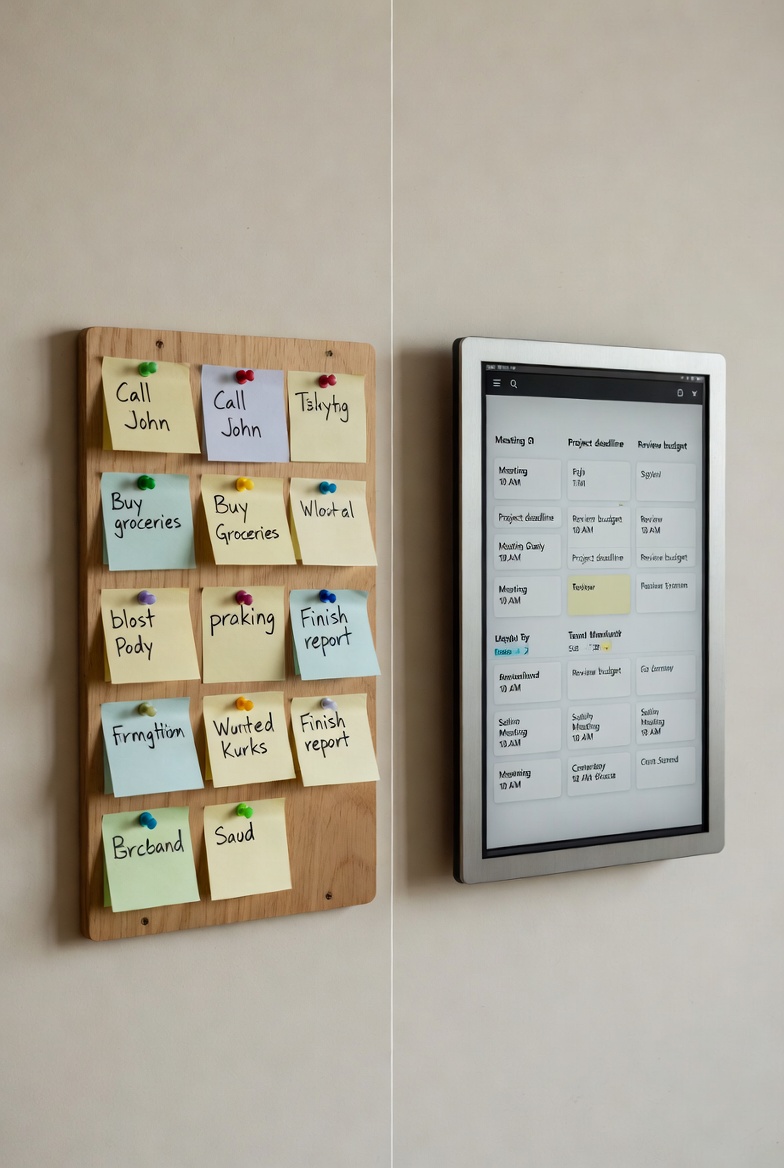
These transformations are not abstract—they have practical applications across industries. For example:
- Software Development: Developers use Smart Taskboards to track sprints, manage backlogs, and monitor bug fixes. Consequently, projects are delivered faster and with fewer errors.
- Marketing: Campaigns are planned, tasks assigned, and deadlines monitored in one place. Additionally, creative projects stay aligned with business goals.
- Customer Support: Support teams manage tickets, prioritize urgent issues, and track resolution times. As a result, customer satisfaction improves significantly.
Smart Taskboards for High-Performance Teams and Their Long-Term Impact on Growth
Smart Taskboards are not just productivity tools; they are strategic assets. By centralizing workflows and providing actionable insights, they enable organizations to scale efficiently. For startups, this means growing faster with fewer resources. For enterprises, it means optimizing operations and maintaining a competitive edge.
Moreover, Smart Taskboards are adaptable. They can be customized to fit diverse workflows, making them suitable for industries ranging from technology to healthcare. In addition, their scalability ensures that as teams expand, the system grows with them.
Ultimately, Smart Taskboards drive sustainable growth by empowering teams to work smarter, not harder. Therefore, they reduce wasted effort, improve communication, and create a culture of accountability.
Conclusion: Smart Taskboards for High-Performance Teams
In conclusion, Smart Taskboards are indispensable for high-performance teams. They provide clarity, accountability, efficiency, and collaboration—all of which are critical for success in today’s competitive environment. Additionally, by transforming workflows and enabling proactive management, Smart Taskboards help organizations achieve sustainable growth.
Adopting Smart Taskboards is not just about managing tasks more effectively. It is about empowering teams to reach their full potential and positioning businesses for long-term success. Therefore, the shift toward this marks a meaningful step forward for any organization seeking clarity, performance, and continuous improvement.inesses for long-term success.